01
Bring in your scans.
Open a RAW, TIFF or JPEG. Keep your originals just as they are.
A thoughtful digital darkroom for your colour negatives.
Find your colour. Develop a whole roll. Get back to shooting.
Your scans stay on your computer. See downloads for available platforms; Windows and macOS builds are not currently published.
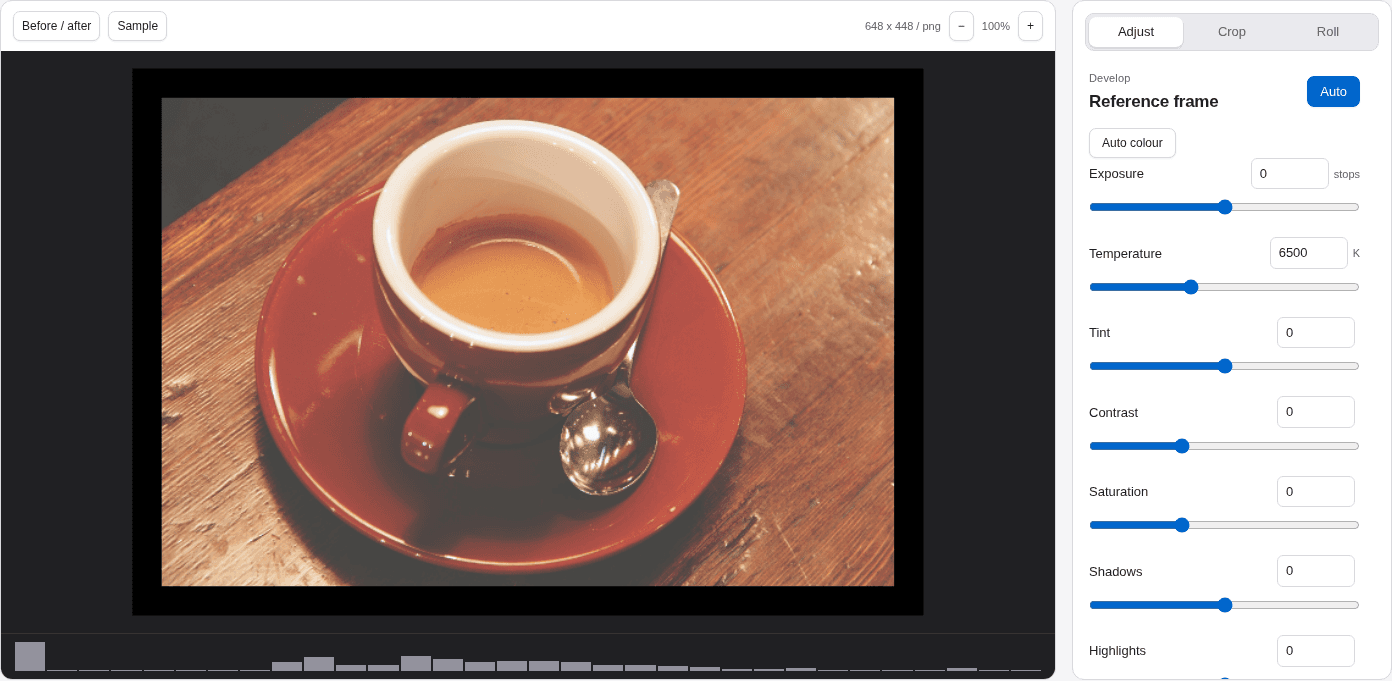
Less repeating yourself. More time with your photographs. Roll brings the little decisions together, without making them for you.
Open a RAW, TIFF or JPEG. Keep your originals just as they are.
Sample the film base. Try Auto colour, then fine-tune the details that make it yours.
Sync your reference settings across a roll, keep individual edits, and export.
Auto keeps your calibration and edits. Auto colour offers a fresh channel balance when the film base alone isn’t enough. Then exposure, curves, white balance and saturation are yours to explore.
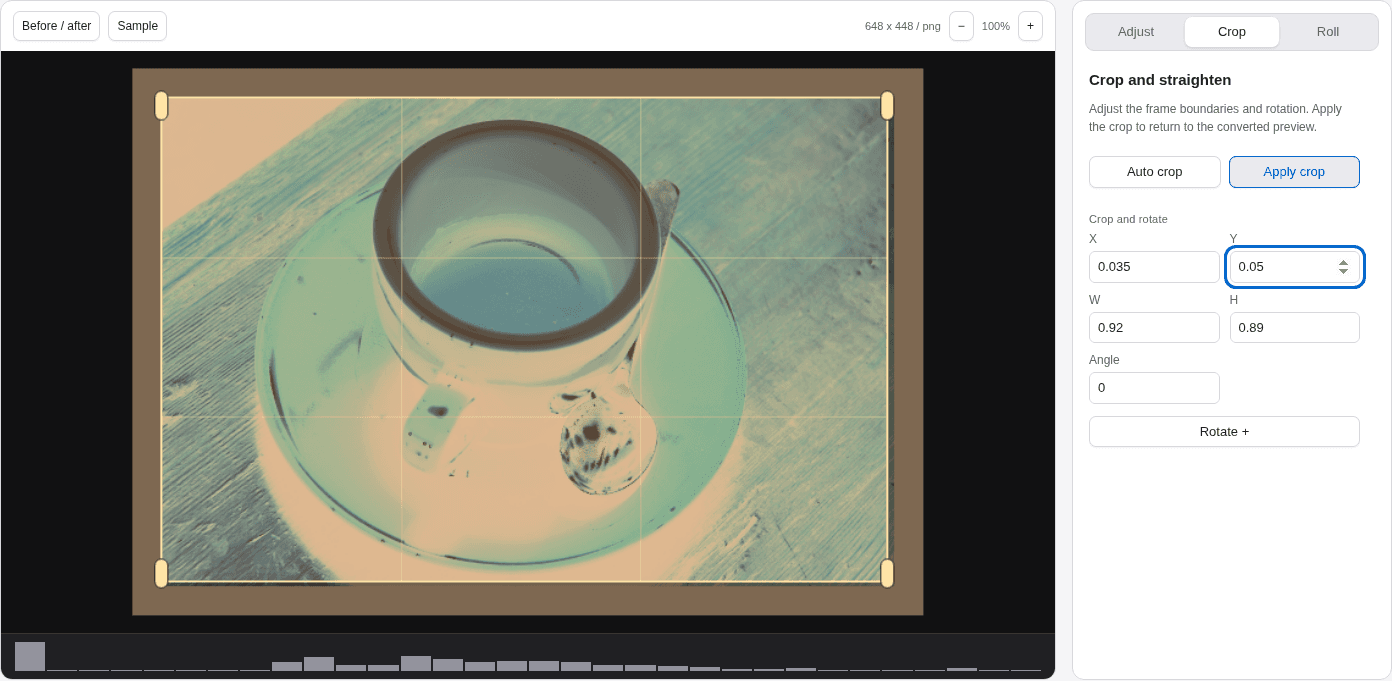
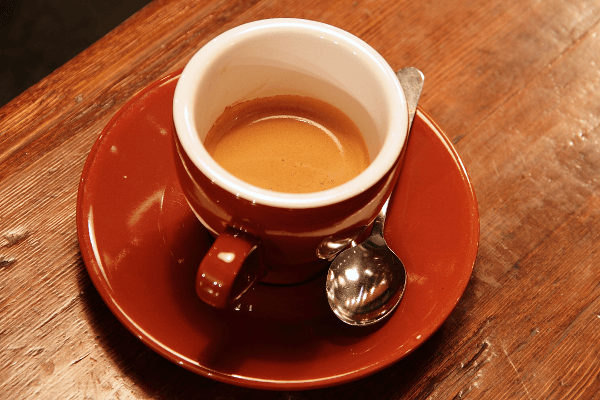 01 / A01 / B
Two exposures in each scan? Select half-frame when you create a roll. Review two independent crops and export 72 photos from 36 paired scans.
How half-frame worksSave your colour and tone settings as portable film presets. A moderated space lets you share them with other film photographers, exchange notes and discover a starting point for your next roll.
Explore film presets CHECKED. REVIEWED. SHARED.A considered workflow for the photographs you took your time making.
Get to know Roll Downloads and licensing